
Best Portable Power Stations for CPAP Backup
A CPAP that runs all night on battery is a solved problem — until you turn on the heated humidifier. Here are four stations that cover the unheated case, and the honest threshold where none of them is enough.
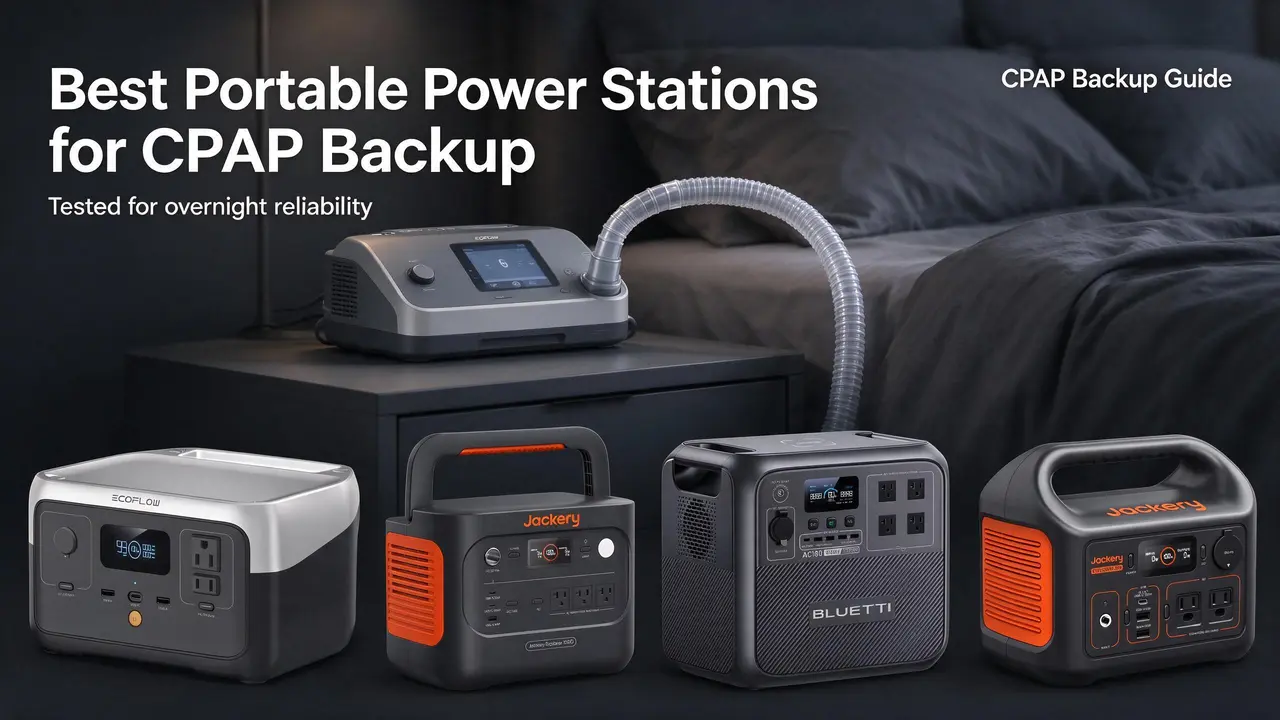
Updated
The CPAP question is really two questions
If you are shopping for a CPAP backup, the first thing to settle is whether you sleep with the heated humidifier on. That single setting splits this category in half, and it splits it hard.
A ResMed AirSense 11 at a pressure around 12, humidifier and heated tube off, pulls roughly 15–25 W through an AC outlet. Call it 20 W average across a night. Eight hours at 20 W is about 160 Wh before inverter losses, so a 243 Wh station with a decent reserve can cover one night and a 288 Wh unit can cover one night with room to spare.
Turn the humidifier and heated tube on and the draw jumps to roughly 60–90 W average, because you are now heating water and a hose, not just moving air. Eight hours at 75 W is about 600 Wh, and after inverter overhead you want 800–1,000 Wh of nameplate to do it comfortably. That is the line this page is drawn around.
So: this guide is for the unheated-humidifier sleeper, the camper, and the short-outage household. It is not a guide to running a heated-humidifier CPAP for multiple nights — see the walk-away section for what actually clears that bar.
One disclosure up front: WattPicks earns from Amazon Associates links on this page. Picks are fit-led, not commission-led, and the ranking below follows the weights I lay out, not the payout.
Quick picks: which station for which sleeper
Four stations, four different jobs. None of them is the right answer for every CPAP owner, and two of them are the right answer for almost nobody who needs more than a single night.
- #1 Best overall for one-night CPAP backup: Jackery Explorer 1000 v2 — 1,070 Wh, 1,500 W, $559. Enough headroom to run the CPAP plus a fan or a lamp, and enough capacity to survive a second night if you keep the humidifier off.
- #2 Best value per watt-hour: BLUETTI Portable Power Station AC180, 1152Wh LiFePO4 Battery Backup w/ — 1,152 Wh, 1,800 W, $499. Cheapest per nameplate Wh in this group at $0.43/Wh, and the only one with a published UPS switchover time.
- #3 Best for travel and camping: EcoFlow RIVER 2 — 243 Wh, 300 W, $299. One night of unheated CPAP, one-hour AC recharge, 7.7 lb.
- #4 Best light-duty backup: Jackery Explorer 300 — 288 Wh, 300 W, $289. Owners report multi-night CPAP runs on DC with an adapter; on AC it is a one-night unit.
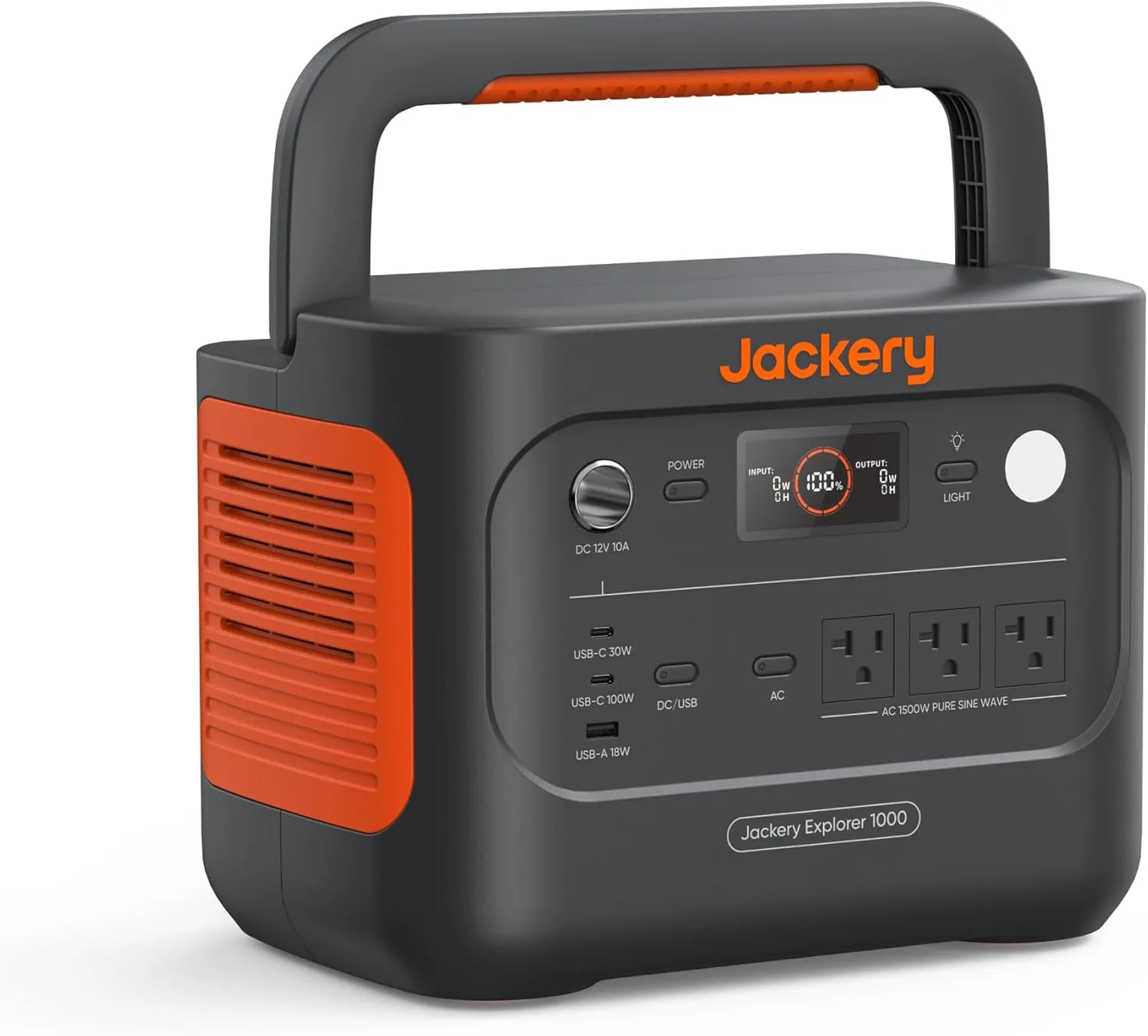
Jackery Explorer 1000 v2 Portable Power Station,1070Wh,1500W
Highlights
- 1070Wh rated capacity
- 1500W continuous AC
- LiFePO4 chemistry
- Up to 400W solar input
- 23.8 lb (~10.8 kg)
- About $559 list
Best for
- Explorer 1000 v2: weekend camping when 23.8 lb carry weight matters as much as 1070Wh
- Essentials bridge at home (fridge cycles, router) when sized to the Wh
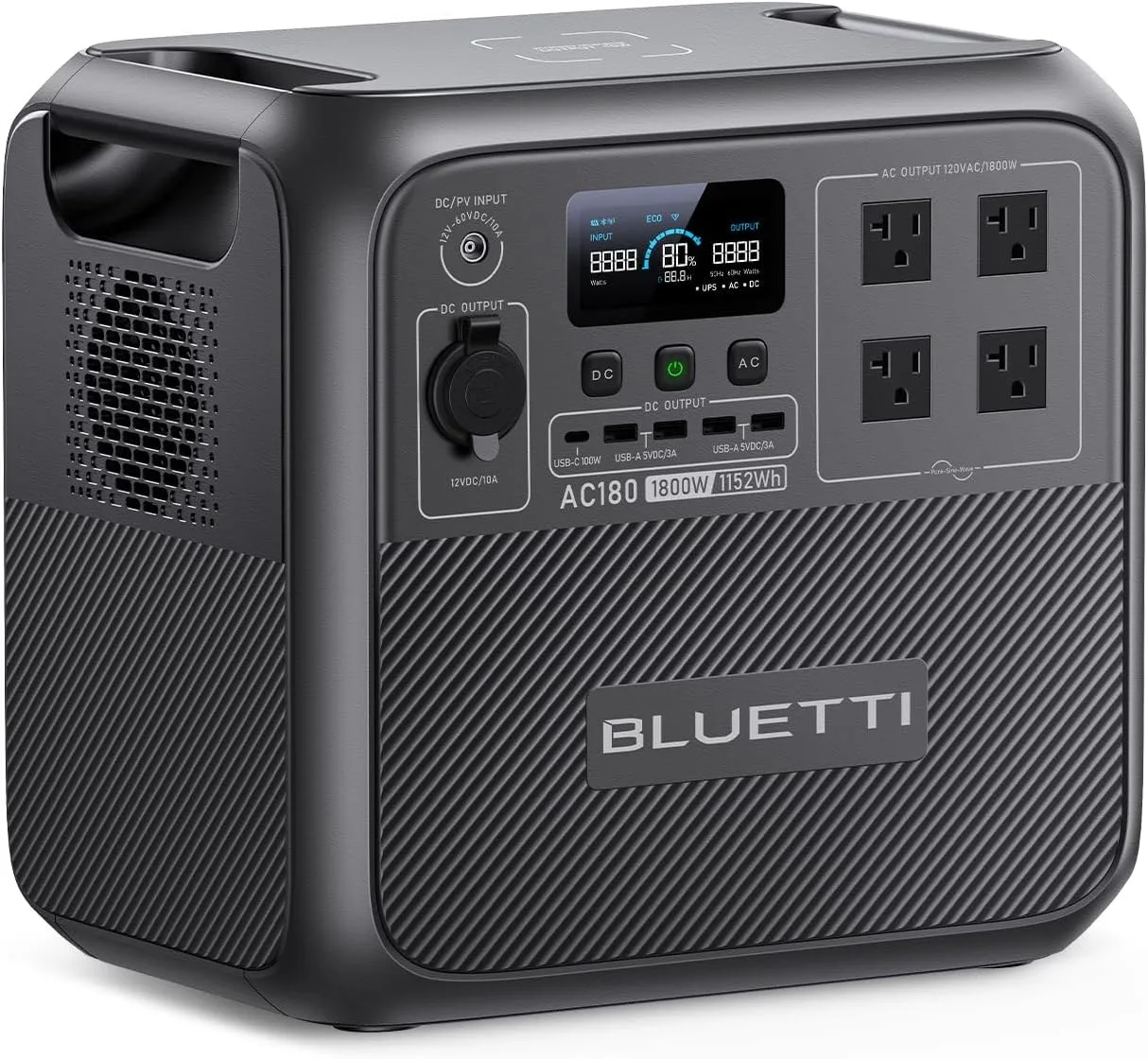
BLUETTI Portable Power Station AC180, 1152Wh LiFePO4 Battery Backup w/ 2 1800W
Highlights
- 1152Wh rated capacity
- 1800W continuous AC
- LiFePO4 chemistry
- Up to 500W solar input
- 35.3 lb (~16.0 kg)
- About $499 list
Best for
- AC180: most Wh per list dollar in mid-size LiFePO4 shortlists (~1152Wh)
- Home essentials when 1800W continuous matters more than a light carry
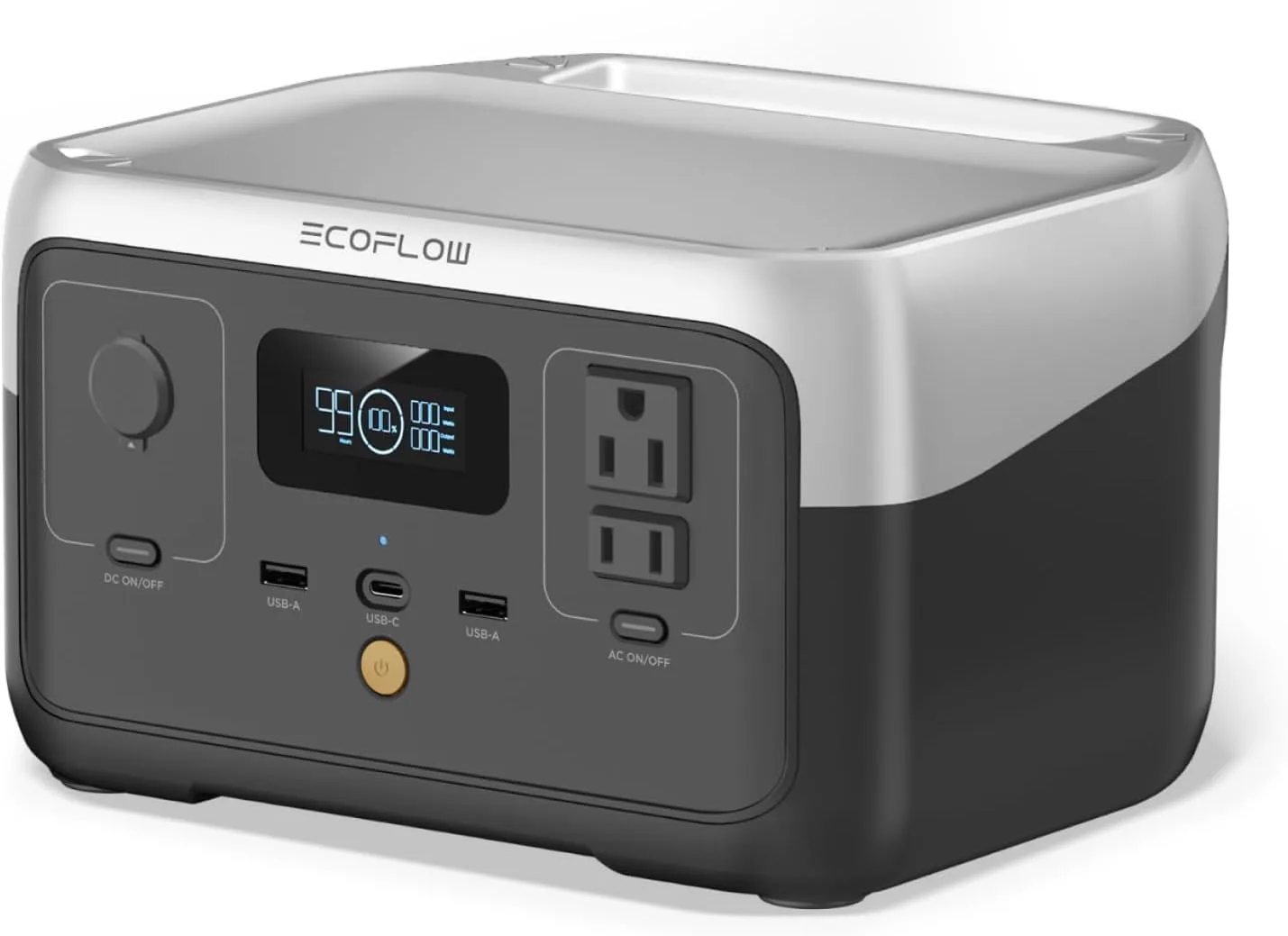
EcoFlow RIVER 2
Highlights
- 243Wh rated capacity
- 300W continuous AC
- 600W surge
- LiFePO4 chemistry
- Up to 110W solar input
- 7.7 lb (~3.5 kg)
Best for
- RIVER 2: phones, cameras and a laptop on short trips
- Travel kits when you need quiet pack power, not appliance runtime
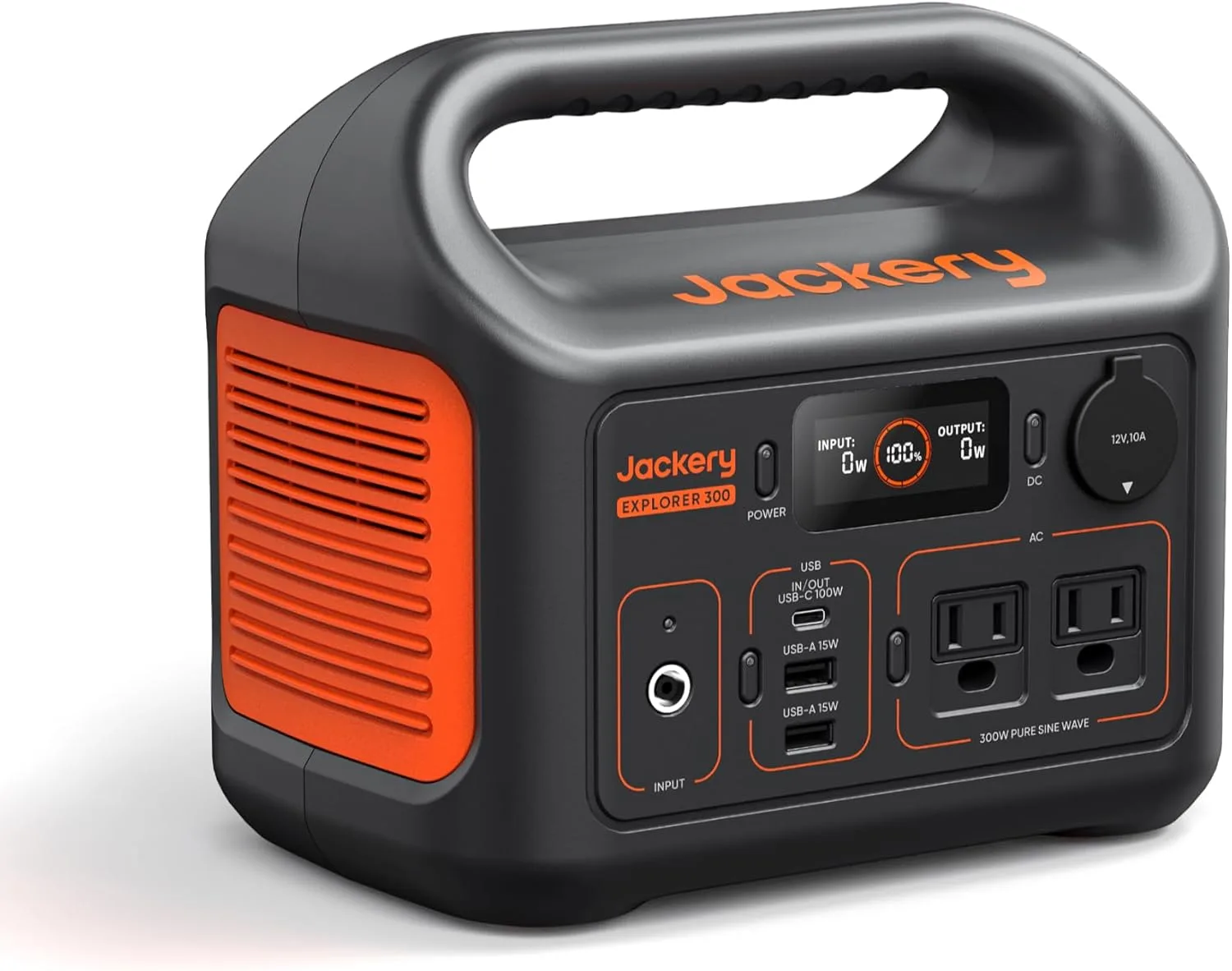
Jackery Explorer 300 Portable Power Station,292Wh
Highlights
- 288Wh rated capacity
- 300W continuous AC
- 600W surge
- LiFePO4 chemistry
- 8.2 lb (~3.7 kg)
- About $289 list
Best for
- Explorer 300 v2: phones, cameras and a laptop on short trips
- Travel kits when you need quiet pack power, not appliance runtime
How I weighted these four
I scored each station on five factors, and every percentage below is used in the ranking. The weights reflect what actually decides whether a CPAP owner is happy six months in, not what looks good on a spec sheet.
Capacity headroom for a CPAP night, 35%. This is the whole point of the purchase. I care about usable watt-hours after inverter losses, not the nameplate number, and I care whether there is margin for a second night or a second device.
Continuous AC output and port fit, 20%. A CPAP needs very little continuous power — 300 W is plenty — so this weight is really about whether the station can also run a fan, a lamp, or a phone charger at the same time without tripping.
Recharge speed and outage practicality, 20%. A backup you cannot refill between nights is a one-shot tool. One-hour AC charging matters more here than it does for camping.
Weight and portability, 15%. If the station lives on a nightstand, weight is irrelevant. If it travels to a campsite, 35 lb is a different product than 7.7 lb.
Owner-reported reliability themes, 10%. Firmware quirks, idle draw, and warranty friction show up in reviews long before they show up in a spec sheet.
Tracing #1 over #2: the Jackery Explorer 1000 v2 wins on capacity headroom (1,070 Wh versus 1,152 Wh is close, but the Jackery's owner reports of running a fridge and a portable AC simultaneously are the strongest evidence in this pack that the unit holds up under sustained load) and on portability at 23.8 lb versus 35.3 lb. The AC180 wins on price per Wh and on UPS switchover, which is why it sits at #2 rather than lower — if your CPAP sits next to a router you want to keep alive, the AC180 is arguably the better buy.
Those checks are grounded in the owner themes on file plus the listing specs. They are home-user checks, not lab-bench measurements, and I have not run a calibrated drain test on any of these four.
Scoreboard on those weights — EcoFlow RIVER 2 (list $299): High where list price and published capacity match the job, Med on continuous watts; Jackery Explorer 1000 v2 (list $559): High on continuous watts and ports, Med on price. That is why the pick splits by job rather than one universal winner.
Spec snapshot
Prices are list prices, not current sale stickers. Ratings are listing aggregates, not owner proof. Where a spec is not published, it reads n/a.
| Product | Price | Capacity (Wh) | Output (W) | Weight (lb) | Rating |
|---|---|---|---|---|---|
| EcoFlow RIVER 2 | $299 | 243 Wh | 300 W | 7.7 lb | 4.3 |
| Jackery Explorer 1000 v2 | $559 | 1070 Wh | 1500 W | 23.8 lb | 4.7 |
| BLUETTI Portable Power Station AC180, 1152Wh LiFePO4 Battery Backup w/ | $499 | 1152 Wh | 1800 W | 35.3 lb | 4.5 |
| Jackery Explorer 300 | $289 | 288 Wh | 300 W | 8.2 lb | 4.6 |
Ranked: the four stations, sized against a CPAP night
The order below follows the weights above. Read the suits and skip lines — they are the part that actually saves you money.
- #1 Jackery Explorer 1000 v2 — suits: a CPAP plus a fan plus a phone, one to two unheated nights, and a household that wants the same box to run a fridge during a real outage. Skip if: you need to carry it up stairs nightly (23.8 lb) or you rely on 12V barrel plugs — owners note it lacks them and needs an adapter.
- #2 BLUETTI Portable Power Station AC180, 1152Wh LiFePO4 Battery Backup w/ — suits: a nightstand install where the CPAP shares an outlet with a router, thanks to the published 20 ms UPS switchover, and anyone counting dollars per watt-hour. Skip if: you run small loads all night — owners report roughly 20 W of idle draw with the inverter on, which eats into usable capacity fast.
- #3 EcoFlow RIVER 2 — suits: one unheated CPAP night, a one-hour wall recharge the next morning, and a bag that already has too much in it. Skip if: you need two nights without a recharge, or you want to run anything above 300 W continuous.
- #4 Jackery Explorer 300 — suits: CPAP on DC with the right adapter, where owners report four nights and 35 hours of runtime, and a nightstand that cannot take a 24 lb box. Skip if: you plan to run the CPAP on AC for multiple nights, or you need the USB-C port to charge the station itself — it is output-only.
What owners actually report, station by station
These are theme summaries from the review packs on file, weighted toward the most-helpful reviews. They are paraphrases, not quotes, and they do not override the listing specs.
- Jackery Explorer 1000 v2: the dominant theme is home backup — owners describe running a fridge and a portable AC together, and using the quiet mode overnight so the unit does not keep them awake. CPAP shows up as a secondary use. A recurring caveat is weight and the missing 12V barrel ports.
- BLUETTI Portable Power Station AC180, 1152Wh LiFePO4 Battery Backup w/: UPS switchover is the standout theme — owners describe the router and TV staying on through a flicker. The counter-theme is idle draw: one detailed owner walks through how 20 W of inverter overhead plus a 90% usable-capacity limit turns 1,152 Wh into roughly 800 Wh of real output at small loads. The wireless charging pad is a repeated complaint.
- EcoFlow RIVER 2: fast charging and portability dominate. CPAP appears in the theme list, and one owner describes a full 7.5-hour night on a single charge. The caveats are firmware — one owner had AC charging display and USB-C input break after an update until a later update fixed it — and a warranty-support complaint.
- Jackery Explorer 300: CPAP is the single largest theme in this pack, which is unusual for a 288 Wh unit. Owners describe running a DreamStation on DC for four nights and 35 hours, and an AirSense 11 on AC for one night at roughly 19 W average. The caveats are the output-only USB-C port, the 10A car port limit, and a 12-hour auto-off on loads under 10 W.
Where these four fall short
Two failure modes are worth naming before you buy, because both are common and neither is fixed by spending more on the same class of product.
The first is heated humidity. If you sleep with the humidifier and heated tube on, none of these four is a good multi-night answer. The 243 Wh and 288 Wh units are one-night-at-best even unheated; the 1,070 Wh and 1,152 Wh units can cover a heated night, but the AC180's idle draw and the Jackery's inverter overhead both eat into that margin, and neither is sized for two heated nights without a recharge.
The second is DC versus AC. Every owner report of a genuinely long CPAP run — four nights, 35 hours — involves a DC adapter, not the AC outlet. If you are serious about CPAP runtime, budget for the manufacturer's 12V adapter for your specific machine and run the station on DC. That is a required accessory sold separately, and it changes the math more than any station choice on this page.
A third, smaller pitfall: firmware. Two of these four have owner reports of firmware updates changing charging behavior. If the station backs up a medical device, time your updates for a morning, not a night.
Who should walk away from all four
If you need heated humidity for more than one night, or you need to run a CPAP plus a fridge plus a heated hose through a multi-day outage, this class is the wrong class. The concrete threshold is roughly 2,000 Wh of nameplate capacity with a 2,000 W or higher continuous inverter — that is the size where a heated CPAP night plus a fridge cycle plus margin actually fits.
The other clean walk-away is a dedicated CPAP battery. A purpose-built CPAP battery pack — the kind that runs on 12V DC directly and is sized in nights rather than watt-hours — is smaller, cheaper, and quieter than any of these four for the single job of running a CPAP. If the CPAP is the only load you care about, buy that instead and skip this category entirely.
Buy from this list if: you sleep without heated humidity, you want one box that also charges phones and runs a fan, and you are covering one to two nights at a time. Skip the list if: heated humidity is non-negotiable, or the CPAP is your only load.
The short version
For most CPAP owners who sleep without heated humidity, the Jackery Explorer 1000 v2 is the buy: 1,070 Wh, 1,500 W, 23.8 lb, $559, and enough headroom to run a second night or a second device. If you want the best dollars per watt-hour and a UPS switchover for the router on the same outlet, the BLUETTI AC180 at $499 is the smarter pick — just turn the inverter off when you are not using it.
If the station travels, the EcoFlow RIVER 2 at 7.7 lb and $299 covers one unheated night and recharges in an hour. And if you already own a DC adapter and want the lightest possible CPAP backup, the Jackery Explorer 300 at $289 has the strongest CPAP track record in this pack despite being the smallest.
What none of them does is run a heated humidifier for multiple nights. For that, step up to roughly 2,000 Wh, or buy a dedicated CPAP battery and stop shopping in this category.
Frequently asked
Can the Jackery Explorer 300 really run a CPAP for four nights?
On DC with the correct adapter, owners report four nights and 35 hours on a DreamStation at pressure 7 with the humidifier removed. On AC, expect one night — one owner measured about 19 W average on an AirSense 11 and used roughly half the battery over eight hours.
Does the BLUETTI AC180's 20 W idle draw matter for a CPAP?
Yes, if you leave the inverter on all night. At roughly 20 W of overhead across eight hours, that is about 160 Wh of your 1,152 Wh gone before the CPAP draws anything. Turn the AC output off when the CPAP is not running.
Which of these recharges fastest between nights?
The EcoFlow RIVER 2, at about one hour from AC per owner reports. The Jackery Explorer 1000 v2 runs about 1 hour 40 minutes in normal mode, and the one-hour emergency mode has to be re-enabled each time in the app.
Can I charge any of these from a 12V car outlet during an outage?
The Explorer 1000 v2 and Explorer 300 both ship with car charging cables, and the AC180 includes one. Car charging is slow — plan on most of a day for the larger units.
Method and sources
Model names and list prices come from the WattPicks catalog at build time. WattPicks does not run its own laboratory tests on power stations, and nothing on this page is presented as a measured result — it is catalog-backed buying guidance.
Read our methodology for how the catalog is normalized, and about WattPicks for who publishes it.