
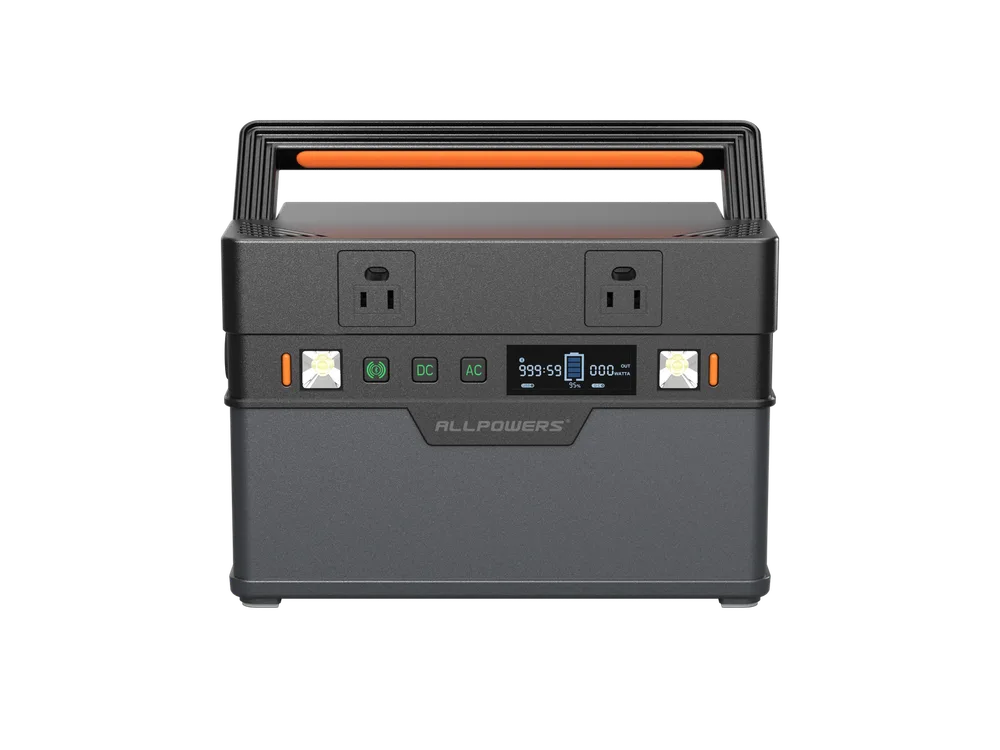
ALLPOWERS S700
Top of the ranking on this page, using the criteria below.
606 Wh · 700 W AC · 11.7 lb · $0.30/Wh
Best of · Remote work
A remote-work station has to be quiet enough to sit beside a desk, light enough to move between rooms, and sized to carry a laptop, monitor and router through a workday or an outage. This list ranks the compact and mid-size models in our dataset on those criteria — and states what you give up with each.
WattPicks does not test power stations, and this page does not claim to. Every specification, price and derived figure is read from the manufacturers’ own product pages; the ranking is computed from that data using the criteria stated above, not from first-hand use.
37 models in the dataset match this page’s scope, and 35 of them publish a list price, which is what the value figures need. Nothing here has been tested by us.
Top of the ranking on this page, using the criteria below.
606 Wh · 700 W AC · 11.7 lb · $0.30/Wh
Every entry carries its trade-offs. They are computed by comparing the model with the others in its own capacity band, so they are statements about this dataset rather than opinions.
Why it is here: WattPicks balanced score — average percentile across Most portable (Wh per pound), Fastest AC recharge, Quietest under load, Best value (cost per watt-hour) (higher is better)
Who should skip it: Skip it if you want the cheapest watt-hours in this size; the value ranking has cheaper options.
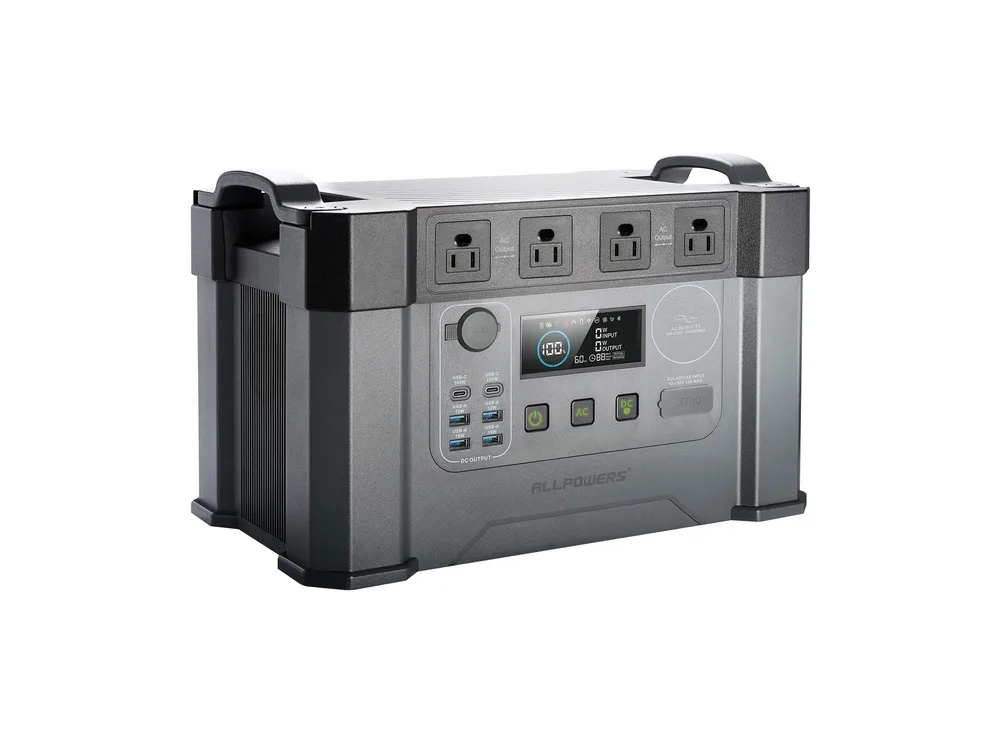
Why it is here: WattPicks balanced score — average percentile across Most portable (Wh per pound), Fastest AC recharge, Quietest under load, Best value (cost per watt-hour) (higher is better)
Who should skip it: Skip it if you want the cheapest watt-hours in this size; the value ranking has cheaper options.
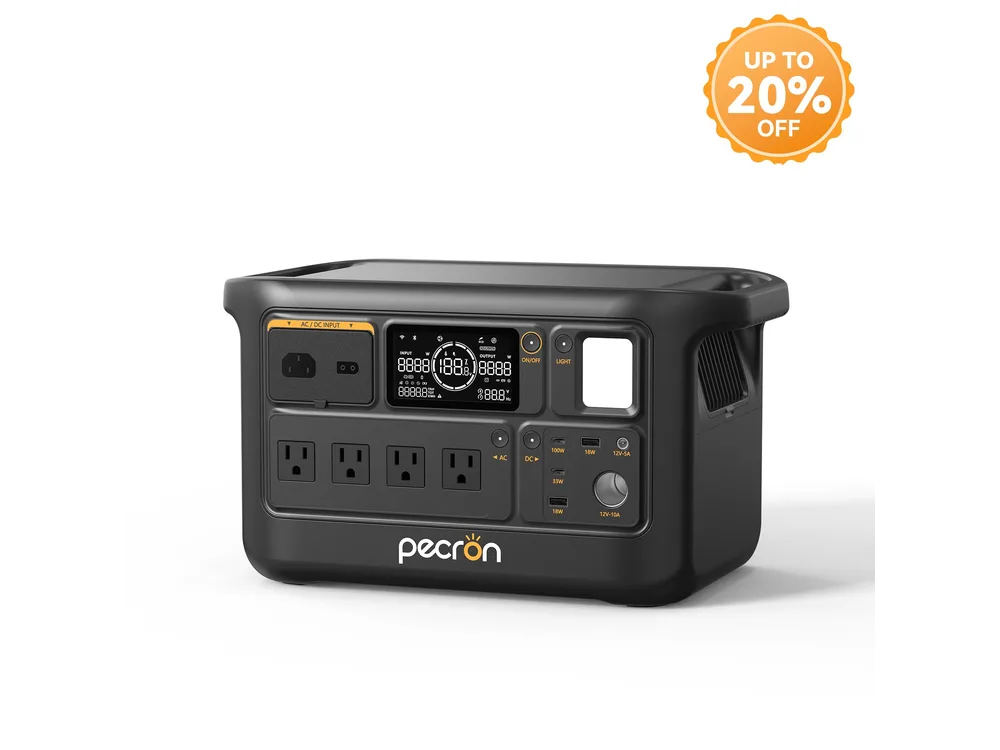
Why it is here: WattPicks balanced score — average percentile across Most portable (Wh per pound), Fastest AC recharge, Quietest under load, Best value (cost per watt-hour) (higher is better)
Who should skip it: Skip it if you want the cheapest watt-hours in this size; the value ranking has cheaper options.
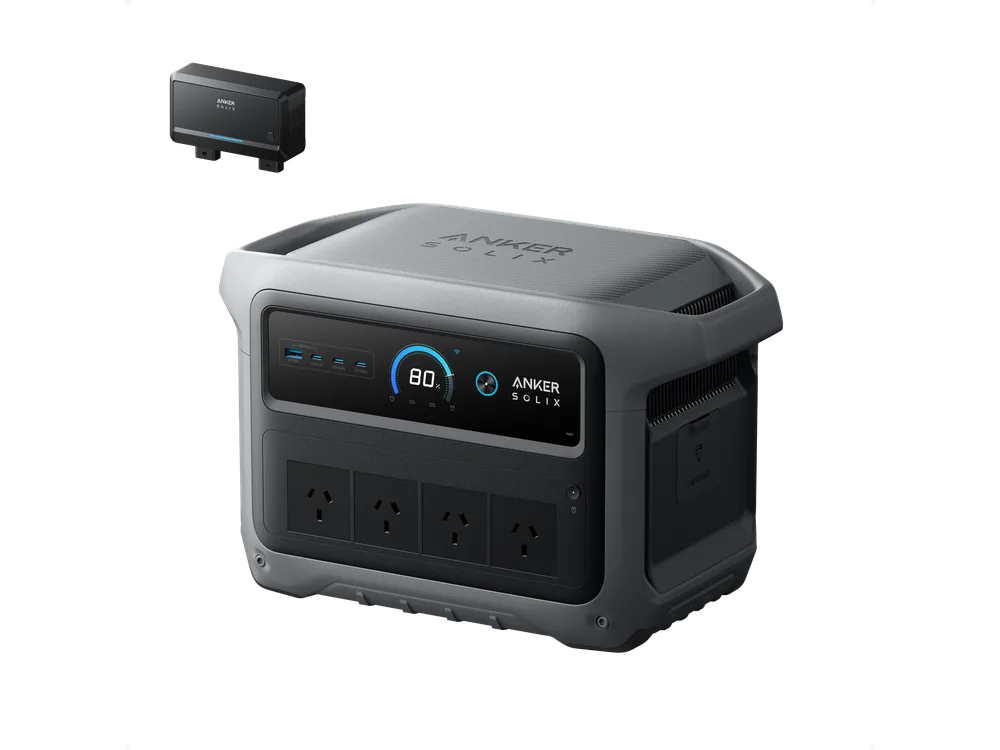
Why it is here: WattPicks balanced score — average percentile across Most portable (Wh per pound), Fastest AC recharge, Quietest under load, Best value (cost per watt-hour) (higher is better)
Who should skip it: Skip it if you want the cheapest watt-hours in this size; the value ranking has cheaper options.
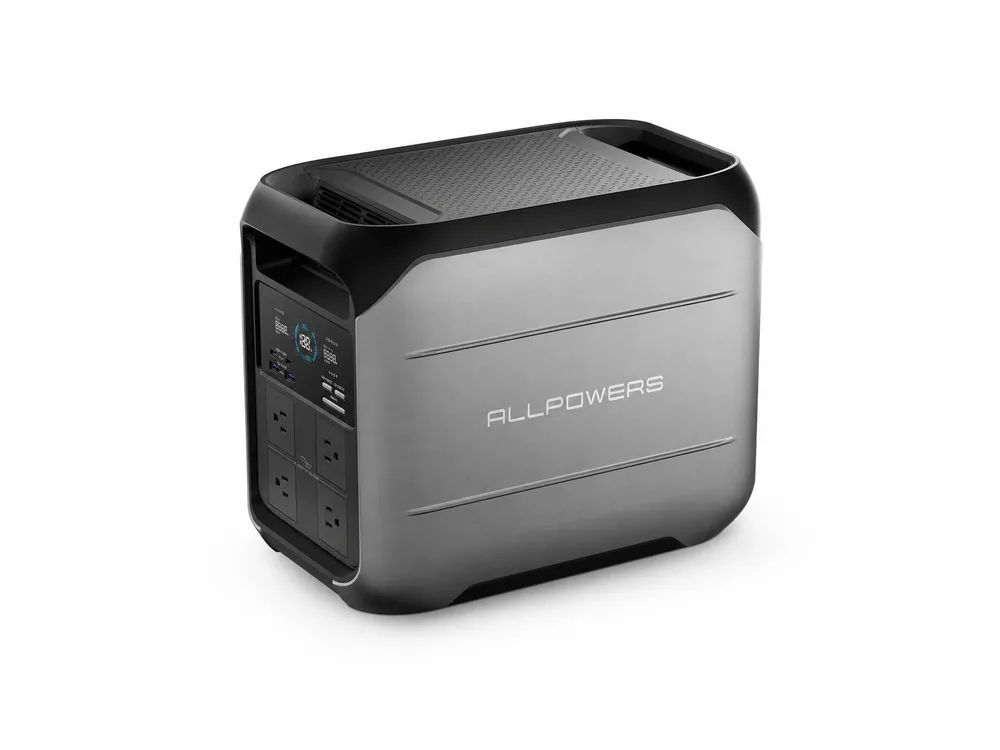
Why it is here: WattPicks balanced score — average percentile across Most portable (Wh per pound), Fastest AC recharge, Quietest under load, Best value (cost per watt-hour) (higher is better)
Who should skip it: Skip it if you want the cheapest watt-hours in this size; the value ranking has cheaper options.
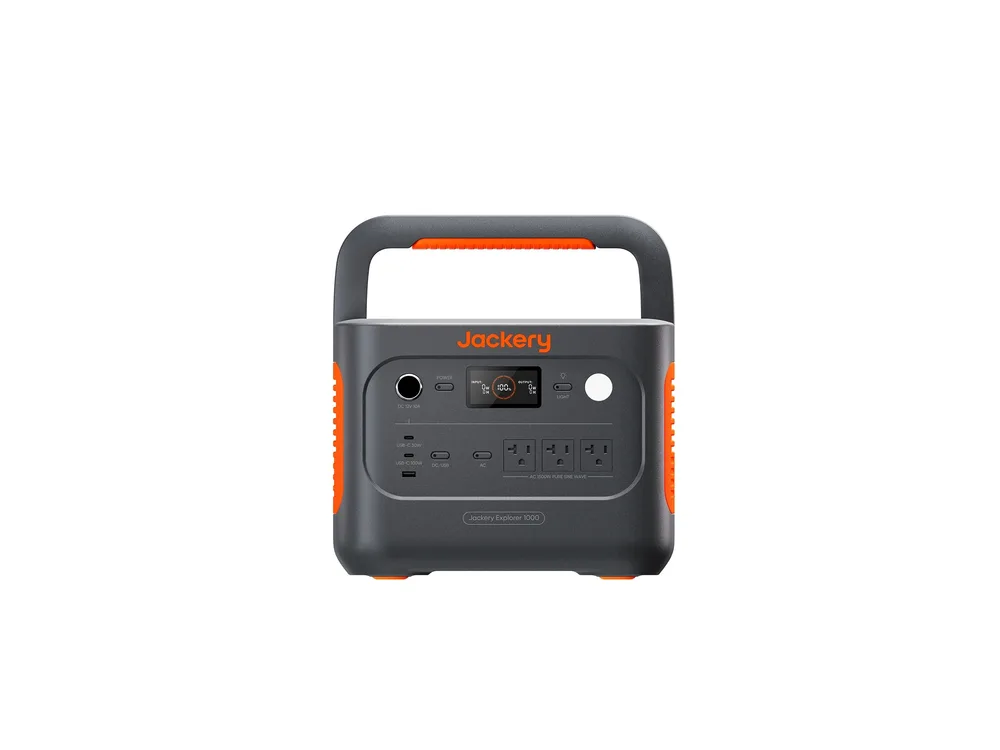
Why it is here: WattPicks balanced score — average percentile across Most portable (Wh per pound), Fastest AC recharge, Quietest under load, Best value (cost per watt-hour) (higher is better)
Who should skip it: Skip it if you want the cheapest watt-hours in this size; the value ranking has cheaper options.
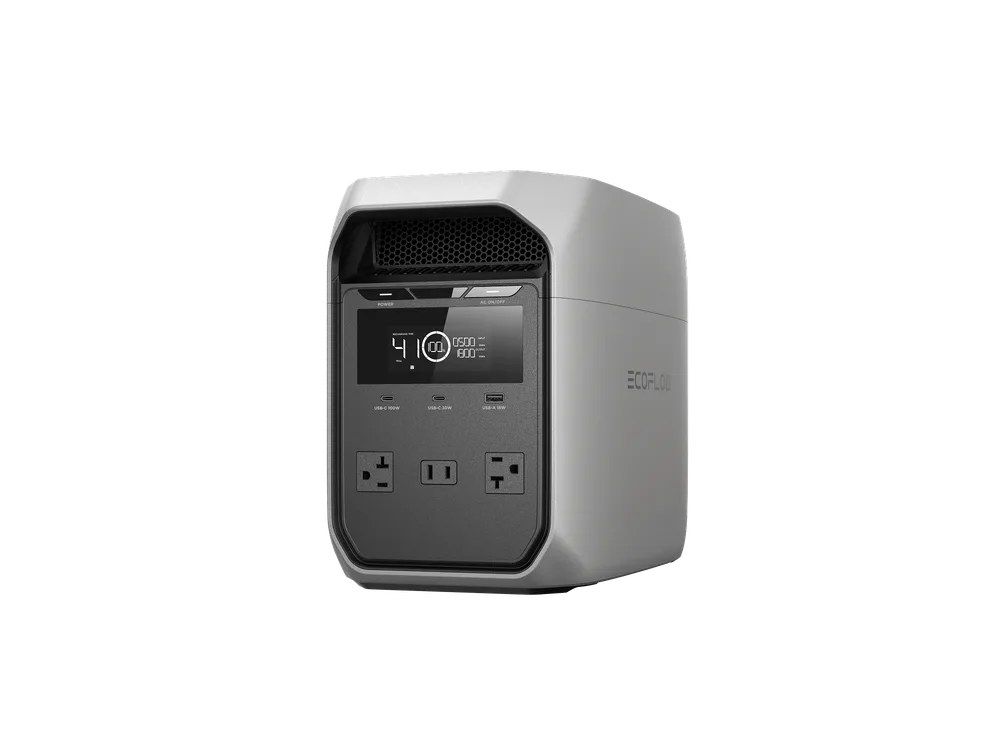
Why it is here: WattPicks balanced score — average percentile across Most portable (Wh per pound), Fastest AC recharge, Quietest under load, Best value (cost per watt-hour) (higher is better)
Who should skip it: Skip it if you want the cheapest watt-hours in this size; the value ranking has cheaper options.
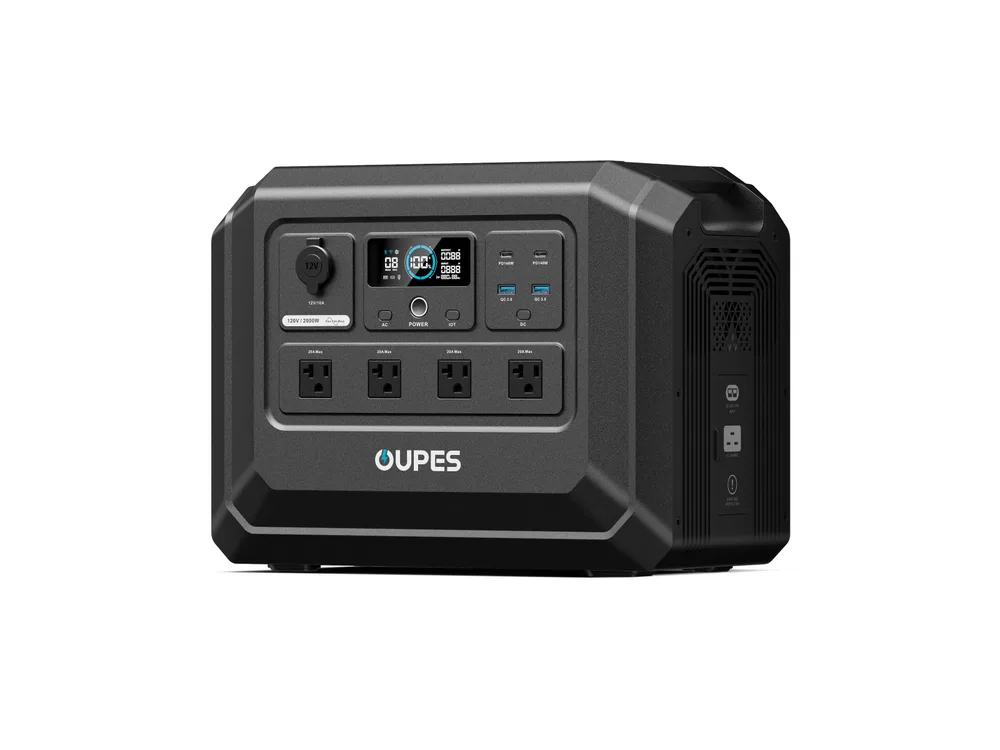
Why it is here: WattPicks balanced score — average percentile across Most portable (Wh per pound), Fastest AC recharge, Quietest under load, Best value (cost per watt-hour) (higher is better)
Who should skip it: Skip it if you want the cheapest watt-hours in this size; the value ranking has cheaper options.
A laptop is the modest part of the load, usually drawing tens of watts while charging. A monitor adds a comparable amount when it is not running off its own supply, and a router or modem adds less still. The honest way to size the purchase is to add those up for the hours you would actually be on battery, not to buy for the headline capacity.
For most home-office setups that lands in the 500–1,000 Wh range for a full working day with headroom. If the station only has to cover short outages rather than a whole day off-grid, a smaller unit is enough — and easier to keep charged.
Remote work happens in the room where the station sits. Most portable power stations are silent, and most vendors do not publish a noise figure at all. Where one is published, it is the number that matters beside a desk or in a bedroom, and it varies widely across the dataset — the trade-offs on each entry above say when it is missing rather than guessing.
A station you cannot refill quickly is a battery with a countdown. For work use, the relevant number is how long a wall outlet takes to bring it back to full: a unit that refills in about an hour gets used between meetings, while one that takes most of the day sits empty. This ranking derives a nominal recharge rate from the vendor’s own stated time, so units of different sizes can be compared fairly.
Two smaller points decide the day-to-day experience. Watt-hours per pound is the comparable portability figure, and it is what keeps the station moving between a desk, a kitchen table and a patio. And if you run a desktop rather than a laptop, look for a published UPS switchover time — under about 20 ms means the machine rides through the transfer instead of rebooting.
Everything on this page comes from the manufacturers’ own product pages. We hold no measured figures: no real-world output, no measured recharge curves, no sound-level measurements of our own. Where a vendor does not publish a field, the model page shows it as missing rather than estimating it, and the trade-offs above say so.
Add up the laptop, monitor and router for the hours you would run on battery, then add headroom for inverter losses. Most desk setups land between 500 and 1,000 Wh for a full working day; a station that only covers short outages can be smaller.
Generally yes at moderate capacity, because a laptop usually draws tens of watts while charging and a monitor adds a comparable amount. A 500–1,000 Wh unit covers a full working day for most setups, and a larger one adds margin for a printer or a second screen.
If you run a desktop rather than a laptop, a published UPS switchover time under about 20 ms keeps the machine alive through a brief outage. A laptop has its own battery, so the transfer matters less.
Yes. A portable power station has no engine, so any noise comes from its cooling fans rather than combustion. Where a vendor publishes a decibel figure in our dataset the values span the mid-teens to the low sixties, generally below a running generator, though a fan can still be audible in a quiet room under heavy load.